- Published on
Best Monitors Under $250 in 2025: Top 3 FHD Picks Compared
- Authors
- Name
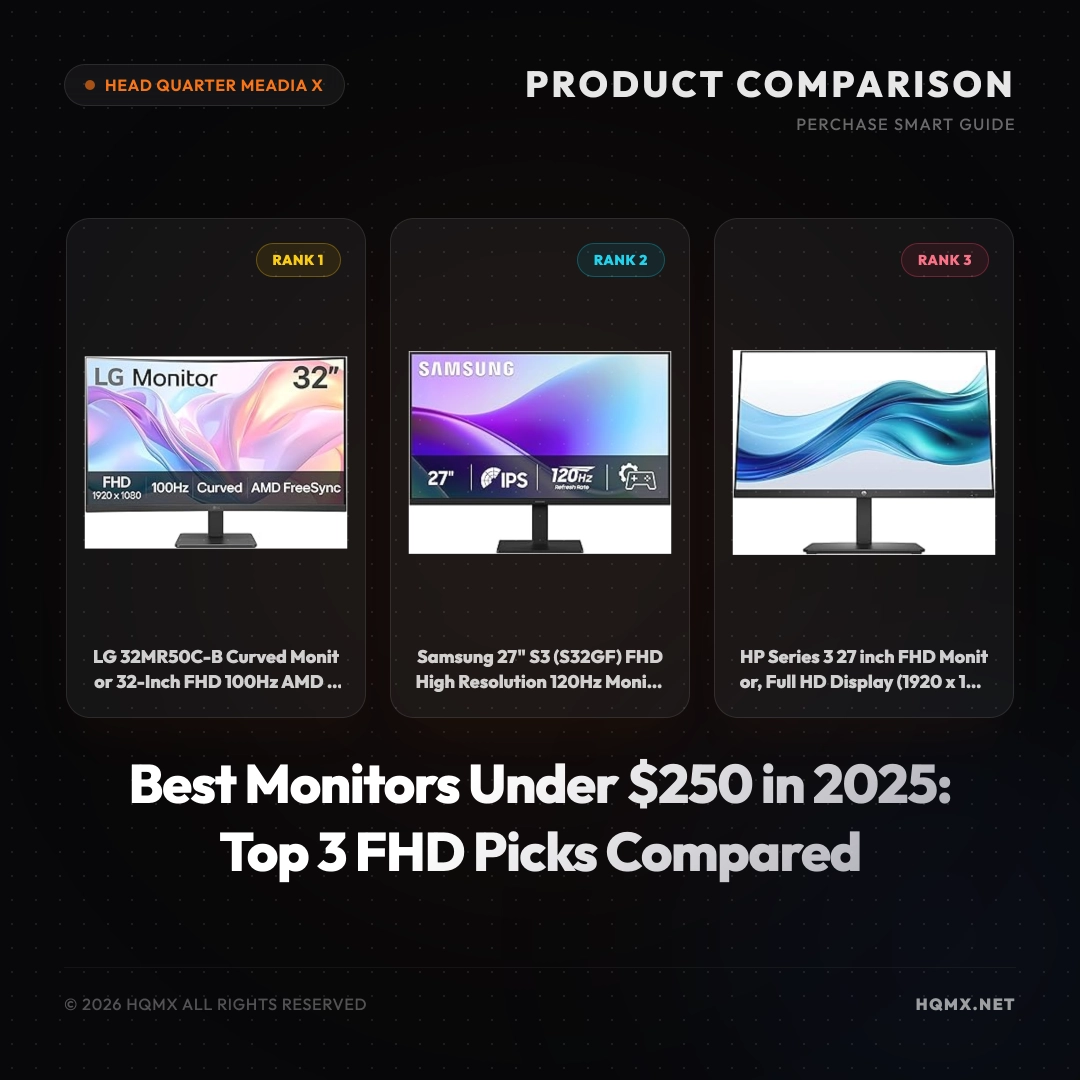
Looking for a high-quality monitor without breaking the bank? In the $150 to $250 price range, you can find excellent Full HD displays with features like high refresh rates, curved screens, and eye-care technology. We have analyzed top-rated Amazon products to bring you three carefully selected monitors that offer the best value for your money. Each has a stellar 4.5 rating, ensuring you get a reliable and performant screen for work, gaming, or everyday use. Read on for a detailed comparison to help you make an informed decision.
Comparison Table
| Feature | LG 32MR50C-B | Samsung S3 (S32GF) | HP Series 3 327se |
|---|---|---|---|
| Price | $179.99 | $153.87 | $178.49 |
| Rating | 4.5 | 4.5 | 4.5 |
| Screen Size | 32 inches | 27 inches | 27 inches |
| Resolution | 1920x1080 (FHD) | 1920x1080 (FHD) | 1920x1080 (FHD) |
| Refresh Rate | 100Hz | 120Hz | 75Hz |
| Panel Type | VA | IPS | IPS |
| Curved | Yes (1500R) | No | No |
| Adaptive Sync | AMD FreeSync | FreeSync | No |
| Special Features | OnScreen Control, Dynamic Action Sync, Black Stabilizer | Flicker Free, Eye Saver Mode | Eye Ease with Eyesafe Certification |
| Connectivity | 1x HDMI | 1x HDMI, 1x DP | 1x HDMI, 1x VGA |
| Stand | Tilt only | Tilt only | Tilt only |
Rank 1: LG 32MR50C-B Curved Monitor
Detailed Specification
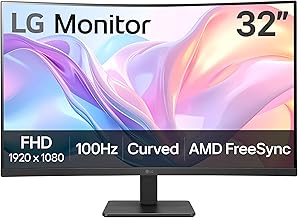
The LG 32MR50C-B is a 32-inch Full HD curved monitor featuring a VA panel with a 1500R curvature that enhances immersion. It offers a 100Hz refresh rate and supports AMD FreeSync for smoother gameplay. The monitor includes LG's OnScreen Control software for easy screen management, Dynamic Action Sync for reduced input lag, and Black Stabilizer to brighten dark scenes. Connectivity is via a single HDMI port. The stand provides tilt adjustment only. With a 3000:1 contrast ratio typical of VA panels, it delivers deep blacks and vibrant colors, though viewing angles are narrower than IPS.
Why We Recommend It
We recommend the LG 32MR50C-B as the top pick for users who want a large, immersive curved display for both work and casual gaming. The 32-inch size and 1500R curve wrap around your field of view, making it ideal for movies and games. The 100Hz refresh rate and FreeSync support provide a noticeable improvement over standard 60Hz monitors, reducing motion blur and screen tearing. Its gaming-oriented features like Dynamic Action Sync and Black Stabilizer give it an edge over competitors in this price range.
Pros and Cons
- Pro: Large 32-inch curved screen for immersive viewing
- Pro: 100Hz refresh rate with AMD FreeSync for smooth gameplay
- Pro: Useful gaming features (Dynamic Action Sync, Black Stabilizer)
- Pro: Good contrast ratio for deep blacks
- Con: Only one HDMI input; no DisplayPort
- Con: VA panel has limited viewing angles compared to IPS
- Con: Stand only offers tilt adjustment
Check Price and Details on Amazon

Rank 2: Samsung 27" S3 (S32GF) FHD High Resolution 120Hz Monitor
Detailed Specification
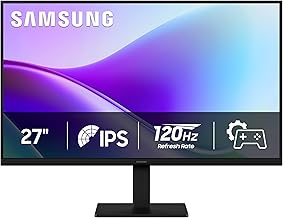
The Samsung S3 (model S32GF) is a 27-inch Full HD monitor with an IPS panel, offering a 120Hz refresh rate and support for AMD FreeSync. It features Samsung's Flicker Free technology and Eye Saver Mode to reduce eye strain during long sessions. Connectivity includes one HDMI and one DisplayPort input. The stand allows tilt adjustment. With an IPS panel, it provides wide 178-degree viewing angles and consistent colors, though contrast ratio is lower than VA panels at 1000:1. The 120Hz refresh rate is a standout feature in this price range, offering smoother motion for gaming and general use.
Why We Recommend It
We recommend the Samsung S3 as the best value pick for gamers and multitaskers who prioritize a high refresh rate and IPS color accuracy. At just $153.87, it delivers 120Hz smoothness typically found in more expensive monitors. The IPS panel ensures vibrant colors and wide viewing angles, making it suitable for photo editing and collaborative work. FreeSync support further enhances the gaming experience by eliminating screen tearing. Its combination of performance and affordability makes it an excellent choice for budget-conscious users.
Pros and Cons
- Pro: 120Hz refresh rate for ultra-smooth motion
- Pro: IPS panel with wide viewing angles and accurate colors
- Pro: AMD FreeSync support for tear-free gaming
- Pro: Eye care features (Flicker Free, Eye Saver Mode)
- Pro: Very affordable price
- Con: Only 27-inch size; not as immersive as larger screens
- Con: Lower contrast ratio than VA panels
- Con: Stand only offers tilt adjustment
Check Price and Details on Amazon
Rank 3: HP Series 3 27 inch FHD Monitor, 327se
Detailed Specification
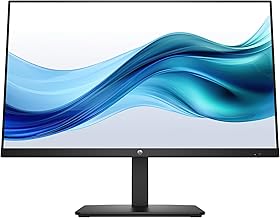
The HP Series 3 327se is a 27-inch Full HD monitor featuring an IPS panel with a 75Hz refresh rate. It offers a 1300:1 contrast ratio, 250 nits brightness, and Eye Ease technology with Eyesafe certification to reduce blue light without affecting color accuracy. Connectivity includes one HDMI and one VGA port, making it compatible with legacy devices. The stand provides tilt adjustment. While it lacks adaptive sync technology, its 75Hz refresh rate is a step up from standard 60Hz, providing slightly smoother visuals. The Eyesafe certification is a key differentiator for users concerned about eye health.
Why We Recommend It
We recommend the HP Series 3 327se for office workers and students who spend long hours in front of a screen and prioritize eye comfort. Its Eyesafe certification ensures reduced blue light exposure without a yellow tint, making it easier on the eyes. The IPS panel delivers consistent colors and wide viewing angles, ideal for collaborative work. While not a gaming monitor, the 75Hz refresh rate offers a minor improvement over 60Hz for everyday tasks. Its VGA port adds versatility for older computers.
Pros and Cons
- Pro: Eyesafe certified low blue light technology
- Pro: IPS panel with wide viewing angles
- Pro: 75Hz refresh rate for smoother daily use
- Pro: Includes VGA port for legacy compatibility
- Pro: Good contrast ratio for an IPS panel
- Con: No adaptive sync (FreeSync/G-Sync)
- Con: Lower refresh rate compared to competitors
- Con: Only tilt adjustment; limited ergonomics
Check Price and Details on Amazon
Conclusion
Choosing the right monitor under $250 depends on your primary use case. If you want an immersive, large-screen experience for gaming and movies, the LG 32MR50C-B with its 32-inch curved display and 100Hz refresh rate is the best choice. For gamers on a tight budget who prioritize high refresh rates and color accuracy, the Samsung S3 offers unbeatable value with its 120Hz IPS panel and FreeSync support. If eye comfort is your top priority for long work or study sessions, the HP Series 3 327se with Eyesafe certification is the ideal pick. All three monitors are top-rated and deliver excellent performance for their price, ensuring you get a quality display without overspending.