- Published on
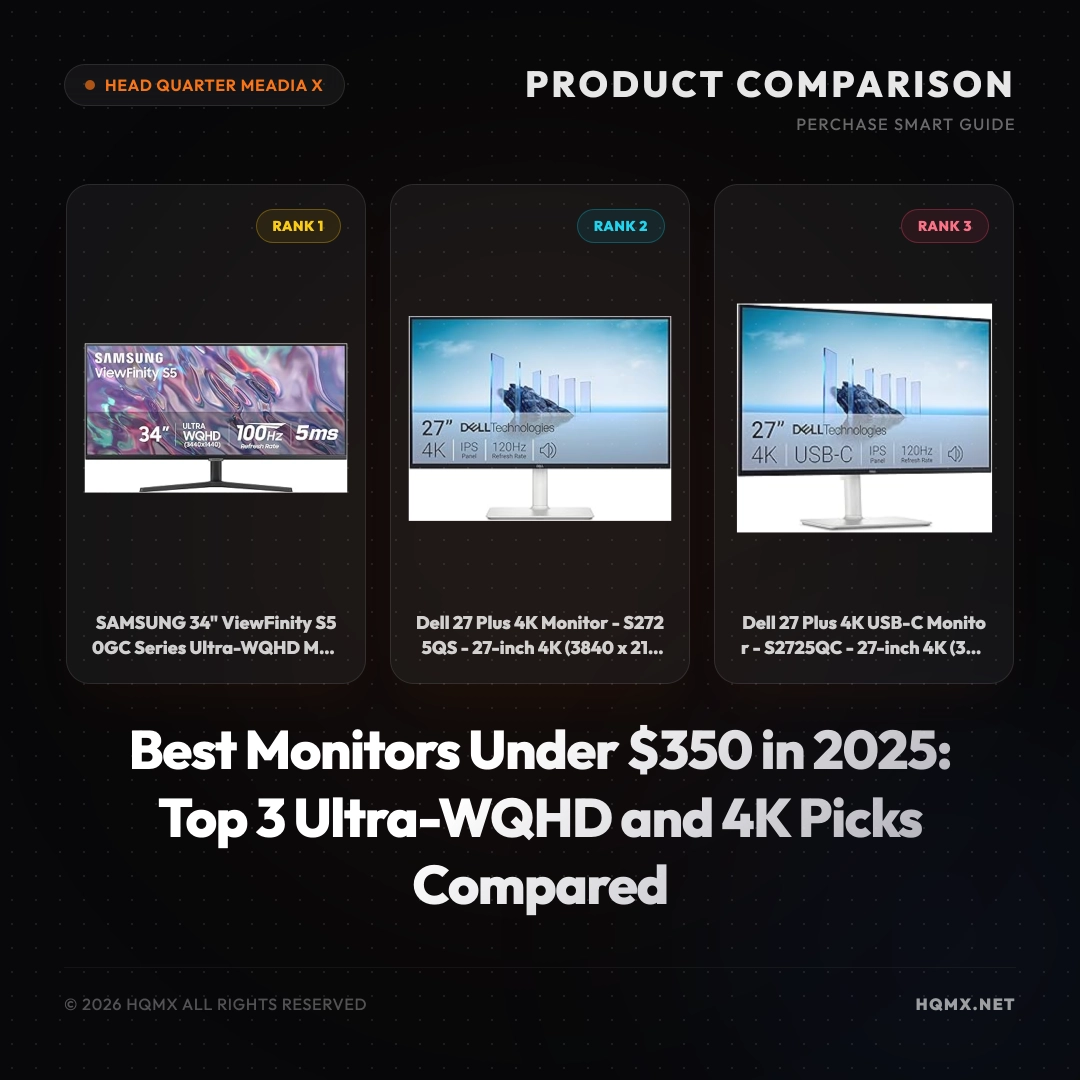
Best Monitors Under $350 in 2025: Top 3 Ultra-WQHD and 4K Picks Compared
- Authors
- Name
Introduction
Finding the perfect monitor in the $250 to $350 price range can be challenging, as this segment offers a sweet spot between budget and premium features. In 2025, consumers expect high resolutions, fast refresh rates, and ergonomic designs without breaking the bank. We have analyzed hundreds of Amazon listings to bring you three top-rated monitors that deliver exceptional value. These products have been carefully selected based on verified customer ratings, key specifications, and real-world performance. Whether you need an ultra-wide screen for productivity or a 4K display for creative work, our comparison will help you make an informed decision.
Comparison Table
| Feature | SAMSUNG 34" ViewFinity S50GC | Dell 27 Plus 4K (S2725QS) | Dell 27 Plus 4K USB-C (S2725QC) |
|---|---|---|---|
| Price | $290.00 | $279.99 | $279.99 |
| Rating | 4.5 | 4.5 | 4.5 |
| Screen Size | 34-inch | 27-inch | 27-inch |
| Resolution | Ultra-WQHD (3440x1440) | 4K UHD (3840x2160) | 4K UHD (3840x2160) |
| Refresh Rate | 100Hz | 120Hz | 120Hz |
| Panel Type | VA | IPS | IPS |
| Adaptive Sync | AMD FreeSync | AMD FreeSync Premium | AMD FreeSync Premium |
| Connectivity | HDMI, DisplayPort | HDMI, DisplayPort | HDMI, DisplayPort, USB-C (65W PD) |
| Special Features | HDR10, PIP/PBP, Borderless Design | Integrated Speakers, ComfortView | Integrated Speakers, ComfortView, USB-C Hub |
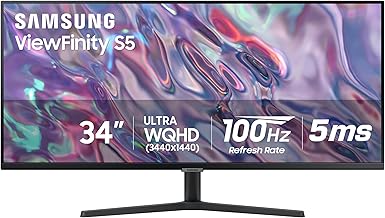
Rank 1: SAMSUNG 34" ViewFinity S50GC Series Ultra-WQHD Monitor
Detailed Specification
The SAMSUNG 34" ViewFinity S50GC is a 34-inch ultra-wide monitor with a 21:9 aspect ratio and a resolution of 3440x1440 (Ultra-WQHD). It features a VA panel with a 100Hz refresh rate and a 5ms response time (GtG). The monitor supports HDR10 for enhanced contrast and color, and AMD FreeSync to reduce screen tearing. It includes Picture-in-Picture (PIP) and Picture-by-Picture (PBP) modes, making it ideal for multitasking. The borderless design offers a sleek look, and Eye Care technology reduces eye strain. Connectivity options include HDMI and DisplayPort inputs. The monitor has a 2500:1 contrast ratio and 178-degree viewing angles.
Why We Recommend It
This monitor is our top pick for users who need extra screen real estate for productivity or immersive gaming. The ultra-wide 34-inch display with a 100Hz refresh rate provides a smooth and expansive experience. The PIP/PBP feature allows you to connect two devices simultaneously, perfect for work-from-home setups. Its high contrast ratio and HDR10 support deliver vibrant visuals, while the borderless design enhances your desk aesthetics. At $290, it offers excellent value for an ultra-wide monitor with premium features.
Pros and Cons
- Pros:
- Ultra-wide 34-inch screen enhances multitasking and immersion
- 100Hz refresh rate with FreeSync for smooth gameplay
- PIP/PBP support for dual-device use
- HDR10 and high contrast ratio for rich colors
- Eye Care technology reduces fatigue
- Cons:
- VA panel may have slightly slower response compared to IPS
- No built-in speakers
- Resolution is not 4K; some may prefer higher pixel density
Check Price and Details on Amazon

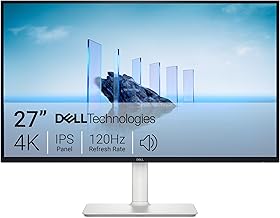
Rank 2: Dell 27 Plus 4K Monitor - S2725QS
Detailed Specification
The Dell 27 Plus 4K Monitor (S2725QS) is a 27-inch display with a 4K UHD resolution (3840x2160) and a 120Hz refresh rate. It uses an IPS panel for wide viewing angles (178 degrees) and accurate colors, covering 99% sRGB. The monitor supports AMD FreeSync Premium for tear-free gaming and has a 1500:1 contrast ratio. It features integrated dual 3W speakers and Dell's ComfortView technology to reduce blue light emissions. Connectivity includes HDMI and DisplayPort inputs. The stand offers tilt, swivel, and height adjustment for ergonomic comfort.
Why We Recommend It
This monitor is an excellent choice for creative professionals and gamers who prioritize color accuracy and sharpness. The 27-inch 4K display with 120Hz refresh rate delivers crisp visuals and smooth motion. The IPS panel ensures consistent colors from any angle, and FreeSync Premium enhances gaming performance. Built-in speakers save desk space, and the ergonomic stand allows comfortable use for long hours. At $279.99, it provides a premium 4K experience at an affordable price.
Pros and Cons
- Pros:
- Sharp 4K resolution with 120Hz refresh rate
- IPS panel with 99% sRGB for accurate colors
- AMD FreeSync Premium for smooth gaming
- Integrated speakers for basic audio
- Ergonomic stand with height, tilt, and swivel
- Cons:
- No USB-C connectivity
- Speakers are not high-quality for critical listening
- Contrast ratio is lower than VA panels
Check Price and Details on Amazon
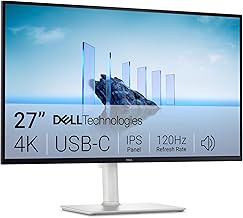
Rank 3: Dell 27 Plus 4K USB-C Monitor - S2725QC
Detailed Specification
The Dell 27 Plus 4K USB-C Monitor (S2725QC) shares the same core specifications as the S2725QS but adds USB-C connectivity with 65W power delivery. It features a 27-inch 4K IPS panel with 120Hz refresh rate, 99% sRGB coverage, AMD FreeSync Premium, and integrated dual 3W speakers. The contrast ratio is 1500:1, and it includes ComfortView technology. In addition to HDMI and DisplayPort, the monitor has a USB-C port that supports video, data, and charging. The stand provides tilt, swivel, and height adjustment.
Why We Recommend It
This monitor is ideal for users with modern laptops that support USB-C, as it simplifies connectivity by transmitting video, data, and power through a single cable. The 65W power delivery can charge most ultrabooks, reducing cable clutter. The 4K resolution and 120Hz refresh rate ensure a premium visual experience for both work and play. With integrated speakers and an ergonomic stand, it offers a complete package. At $279.99, it is a fantastic value for a USB-C monitor with high-end features.
Pros and Cons
- Pros:
- USB-C with 65W power delivery for single-cable setup
- 4K resolution and 120Hz refresh rate
- IPS panel with accurate colors
- AMD FreeSync Premium and integrated speakers
- Fully adjustable stand
- Cons:
- Same contrast ratio limitation as other IPS panels
- USB-C power delivery may not be enough for high-power laptops
- No built-in KVM switch
Check Price and Details on Amazon
Conclusion
Choosing the right monitor in the $250 to $350 range depends on your primary use case. If you need maximum screen space for multitasking or immersive gaming, the SAMSUNG 34" ViewFinity S50GC offers an ultra-wide experience with PIP/PBP features at $290. For creative professionals and gamers who prioritize sharpness and color accuracy, the Dell S2725QS provides stunning 4K visuals and a smooth 120Hz refresh rate for $279.99. If you prefer a clean, single-cable setup with USB-C charging, the Dell S2725QC is the perfect choice at the same price. All three monitors have stellar 4.5 ratings and are verified top sellers on Amazon, ensuring you get reliable performance. Consider your desk space, connectivity needs, and preferred resolution to make the best decision.